Community-Created Stickers Now Live on Emojipedia
Today, Emojipedia officially expands our Emoji Sticker Generator with publicly available, user-generated stickers. Users can now directly contribute to the Sticker Archives first unveiled during World Emoji Day.

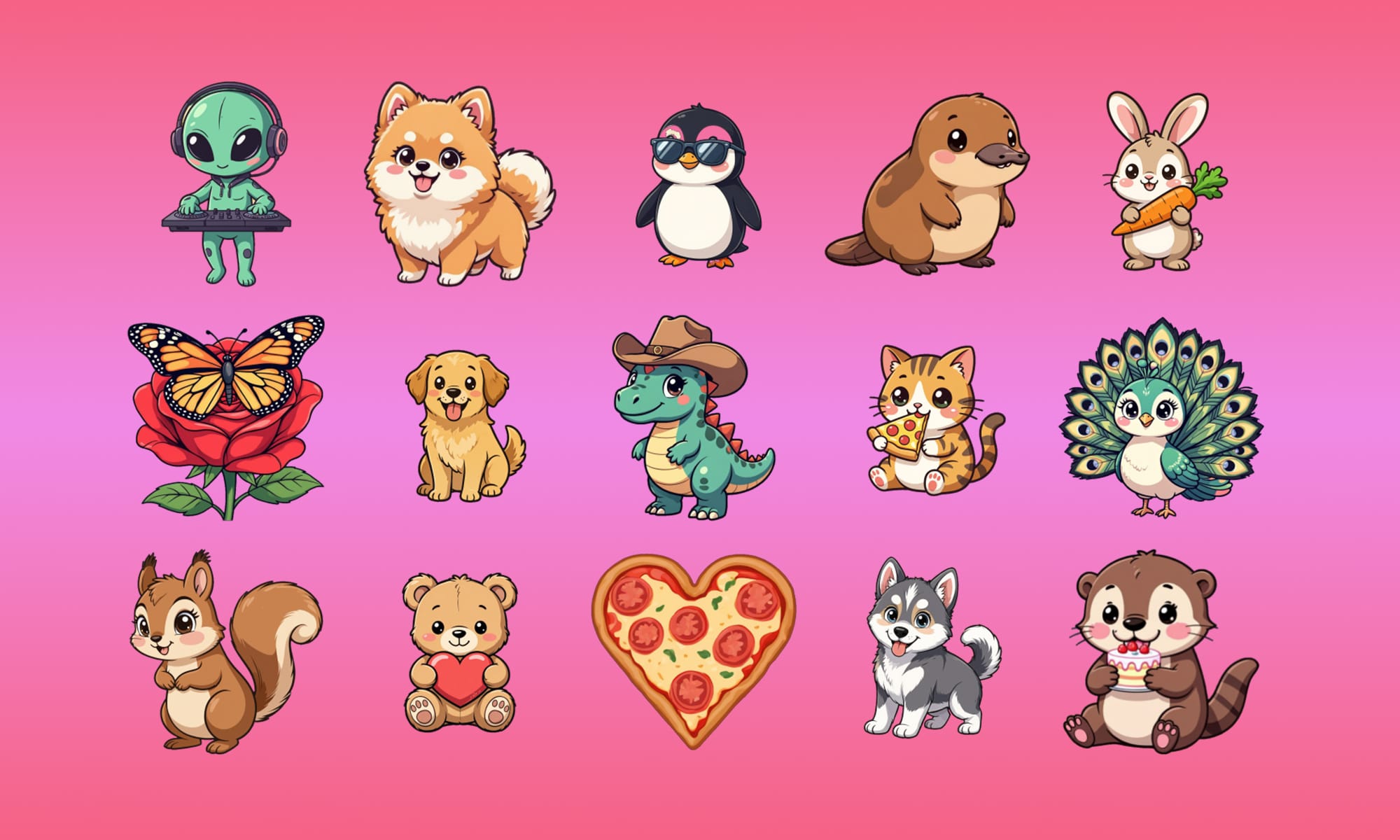
Today, Emojipedia officially expands our Emoji Sticker Generator with a first for the site: publicly available, user-generated stickers. Users can now directly contribute to the Public Sticker Archives first unveiled during last year’s World Emoji Day. For the first time, anyone can browse, download, and share community-created emoji stickers from across the web.
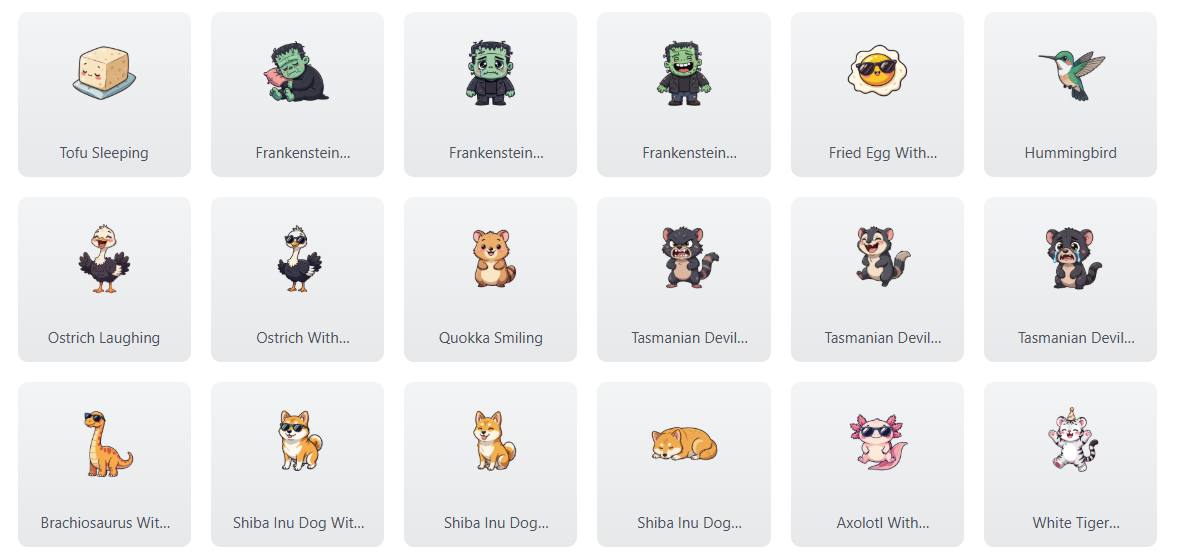
If you’re located in one of the eligible regions listed below, you can now create an Emojipedia account and generate up to 10 emoji stickers per day for free, as now tracked beside our "Create Emojis" top menu option.

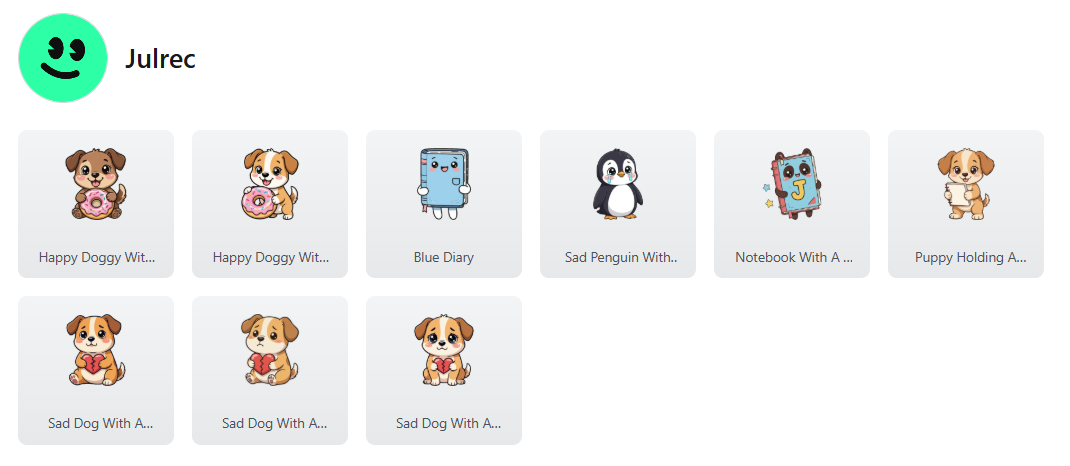
Even better? High-quality creations may be featured in our Public Sticker Archives and linked to your new public user profile, giving creators attribution and a place to showcase their work.
Emojipedia’s Emoji Generator tool can currently be accessed in the following regions:
- United States
- Canada
- United Kingdom
- Australia
- New Zealand
- Ireland
- Norway
How It Works
Generating a custom sticker is simple:
1. Describe It
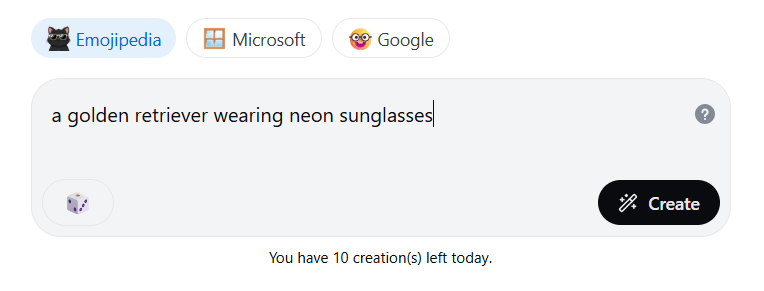
Enter a description of your desired emoji into the “Describe your sticker” field.
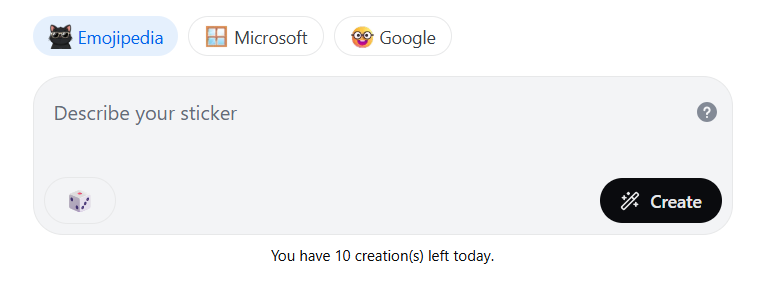
You can also choose between:
- Our house kawaii style
- Styles inspired by Google and Microsoft emoji design sets
Pro Tip: be specific! Instead of “dog,” try, “a golden retriever wearing neon sunglasses.” Specific, focused prompts help the generator produce clearer, higher-quality results. Keeping to one strong visual concept avoids muddled outputs.
2. Create
Click the "Create" button with the magic wand to begin the creation process.
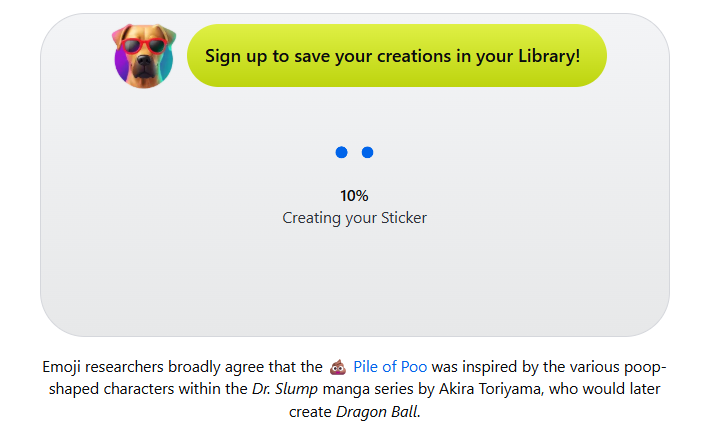
You’ll see a short video ad, followed by a fun emoji fact while our tool generates your image.
3. Share
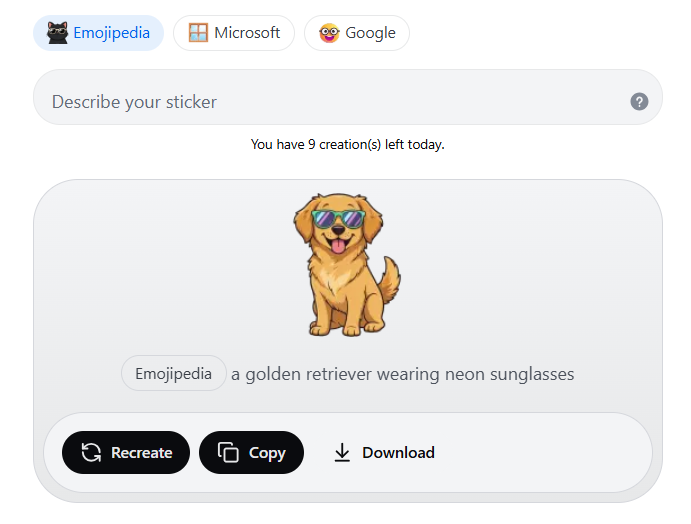
Once your emoji sticker has been created, you can:
- Recreate a new emoji sticker using the same description
- Copy to your device's clipboard to share directly to platforms like iMessage, WhatsApp, Slack, and Discord
- Download to your device for future use
Non-signed-in users can make up to 3 creations a day, while signed-in users can make 10 daily creations.
Building the Public Sticker Archive
When logged in, your generated stickers are automatically reviewed by our systems.
The highest-quality creations are curated into the Public Sticker Archives, where the wider emoji community can browse, download, and reuse them.
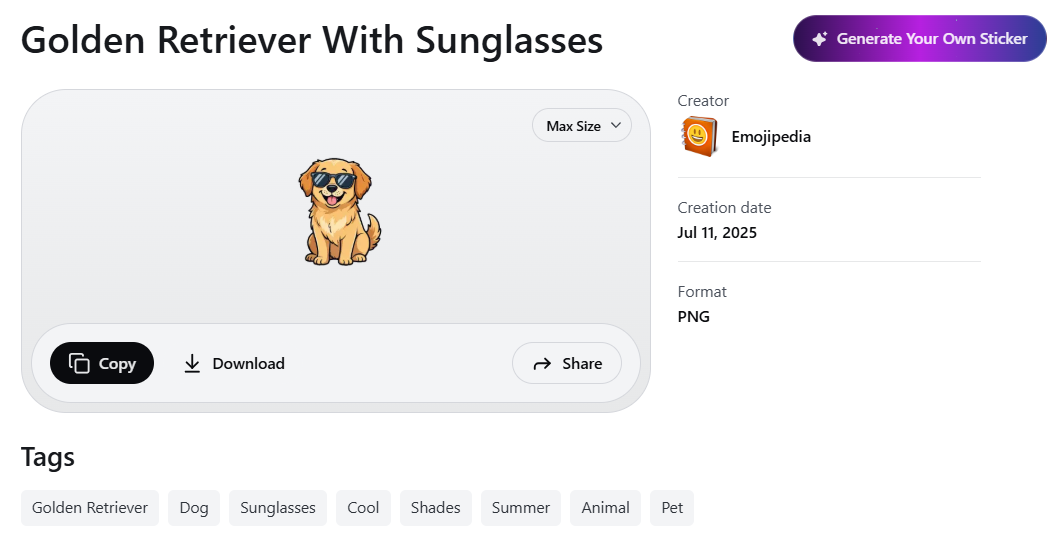
This marks a major evolution for Emojipedia: from archiving emoji and stickers to enabling creative participation.
No Hardware Restrictions
Unlike Apple’s Genmoji, which requires specific hardware and software, Emojipedia’s Emoji Generator runs entirely in the browser.
If you have an internet connection in one of the eligible regions, you can create. Even users outside of the currently supported generation regions can browse the Public Sticker Archives and view creations via public user profiles.
We're hoping to roll out the generation feature to even more regions throughout 2026.
Expanding Creativity Across Zedge
The launch of public sticker creation on Emojipedia represents more than a new feature: it’s part of a broader expansion of creation tools across the Zedge ecosystem (you can read more about this on the Zedge blog here).
For those looking to go beyond stickers, Zedge flagship app also includes its own Wallpaper Generator, enabling users to create custom backgrounds for their devices using simple text prompts.
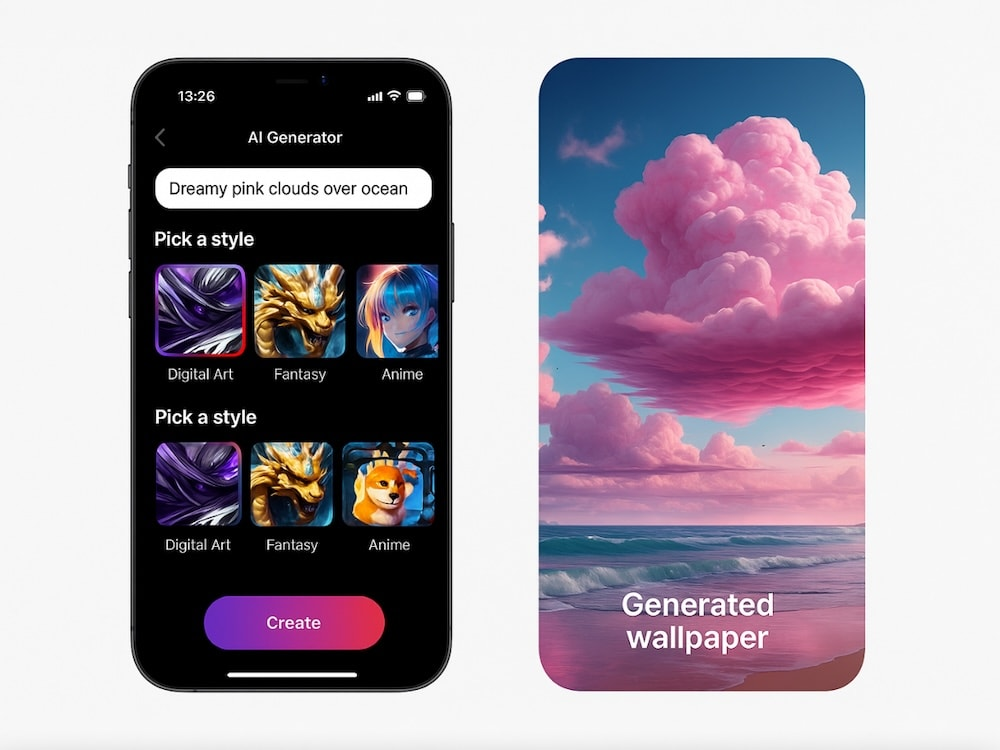
Just like Emojipedia's Emoji Sticker Generator, Zedge's wallpaper creator transforms short descriptions into unique, shareable visual designs — this time optimized for your phone’s home and lock screens.
Together, these tools reflect Zedge’s growing investment in accessible, browser- and app-based creative generation tools: empowering users not just to browse content, but to generate and personalize their own designs.
Whether you’re designing the perfect reaction sticker or crafting a one-of-a-kind wallpaper, creation is now just a description away.